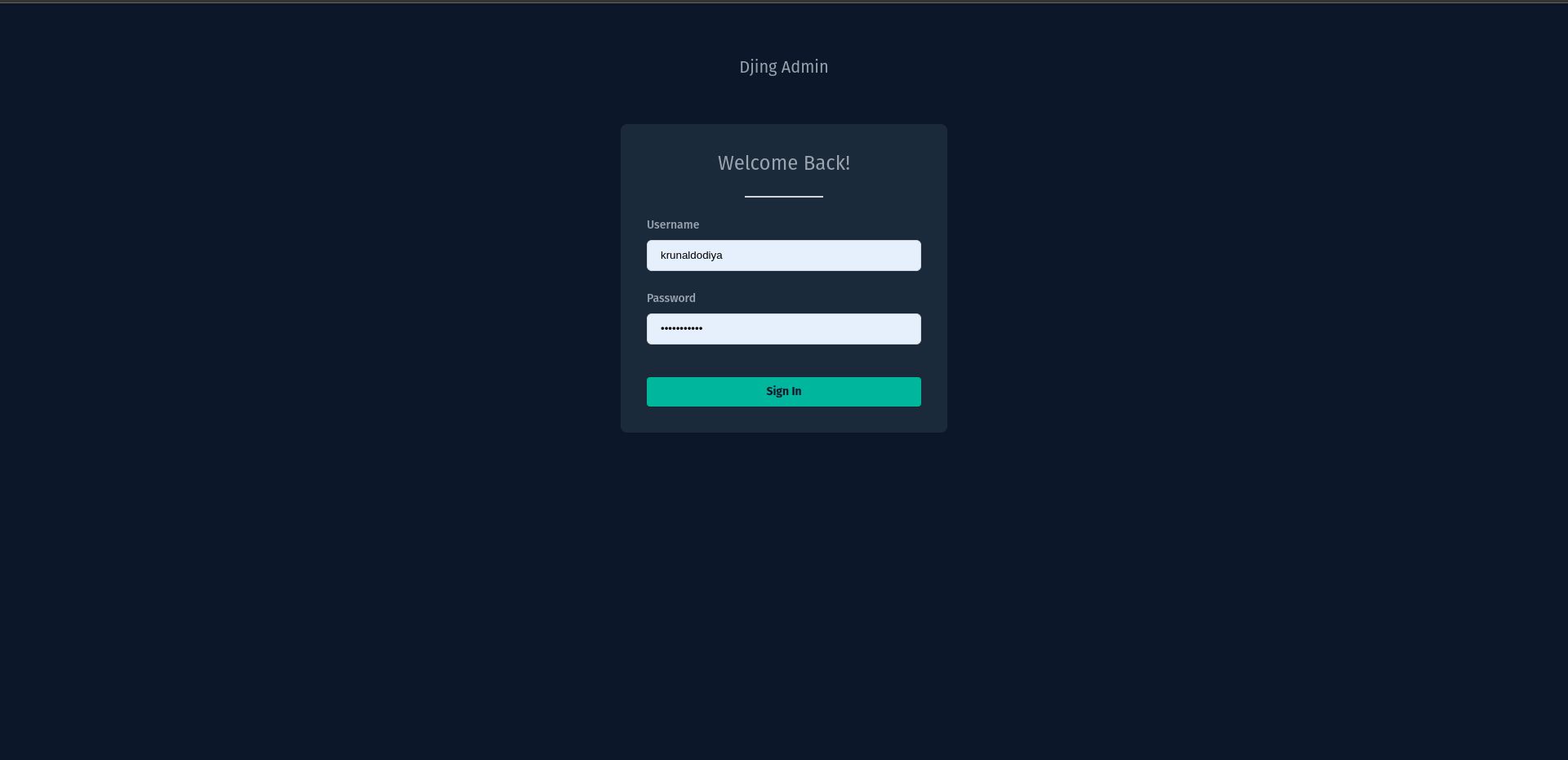
Login
|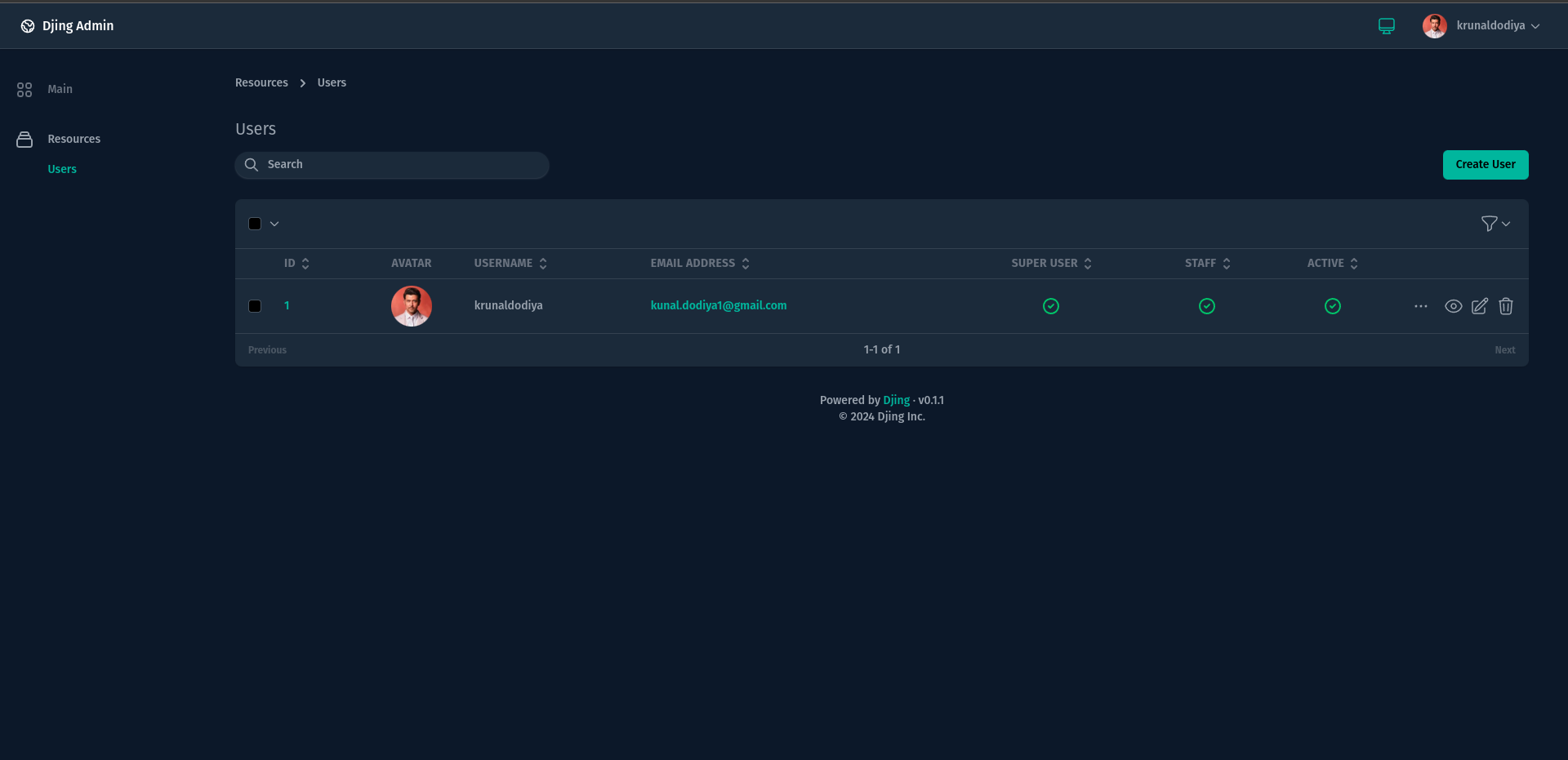
Resources
|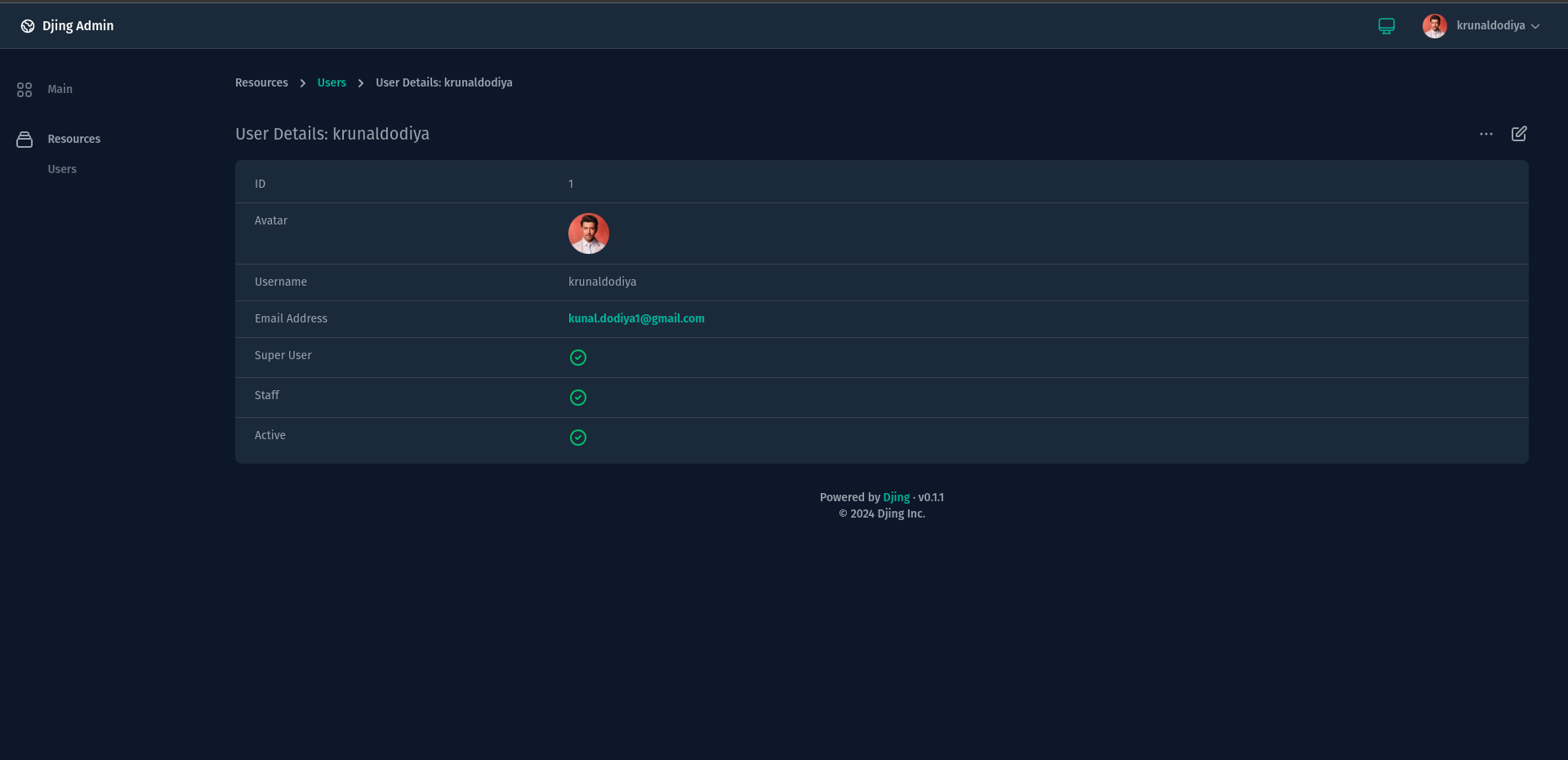
Resource Detail
| | ----------------------------------------------------------------------------------------------------------------------------------------------------------------------------------------------------- | ----------------------------------------------------------------------------------------------------------------------------------------------------------------------------------------------------- | ----------------------------------------------------------------------------------------------------------------------------------------------------------------------------------------------------- | |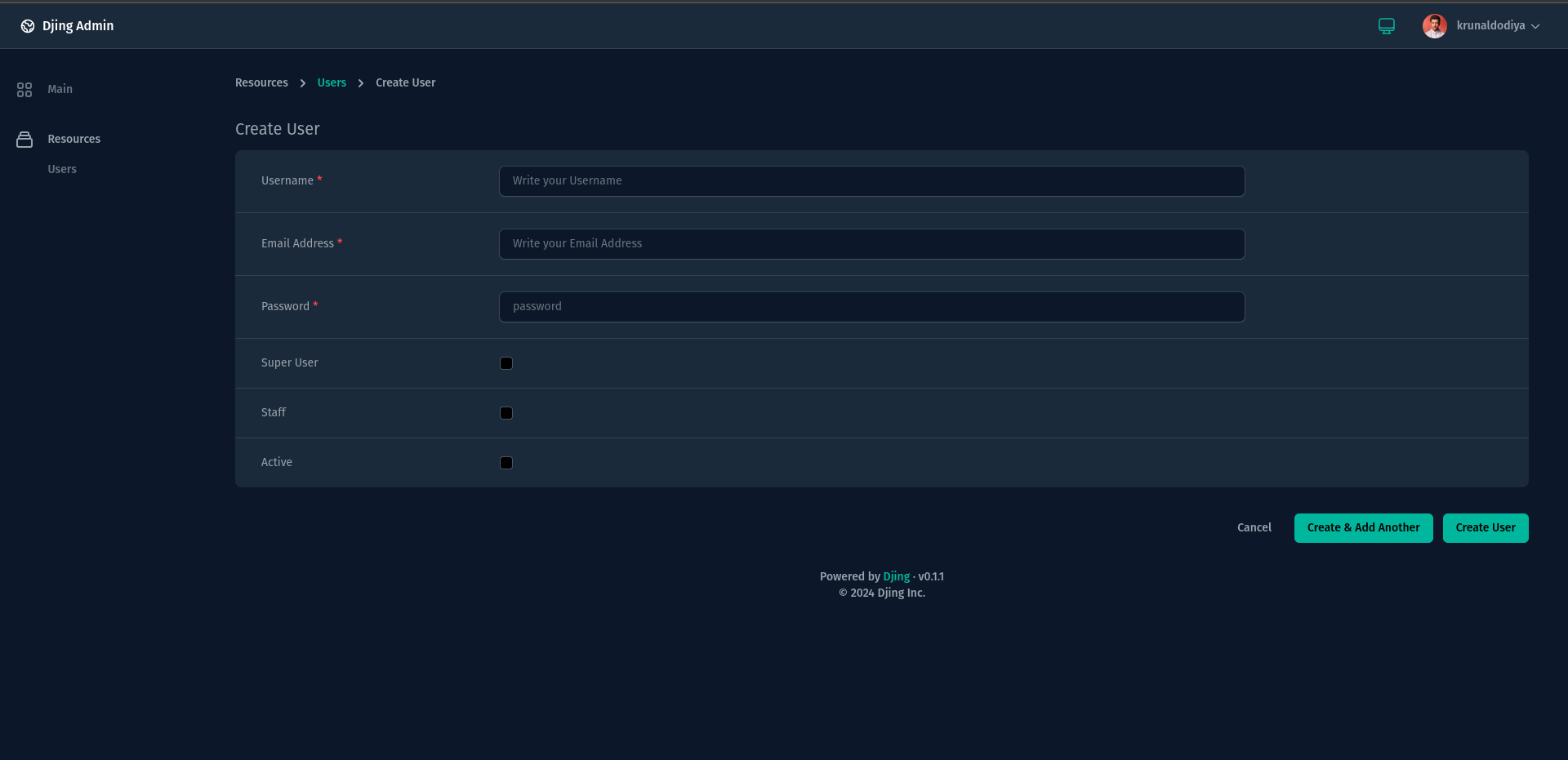
Create Resource
|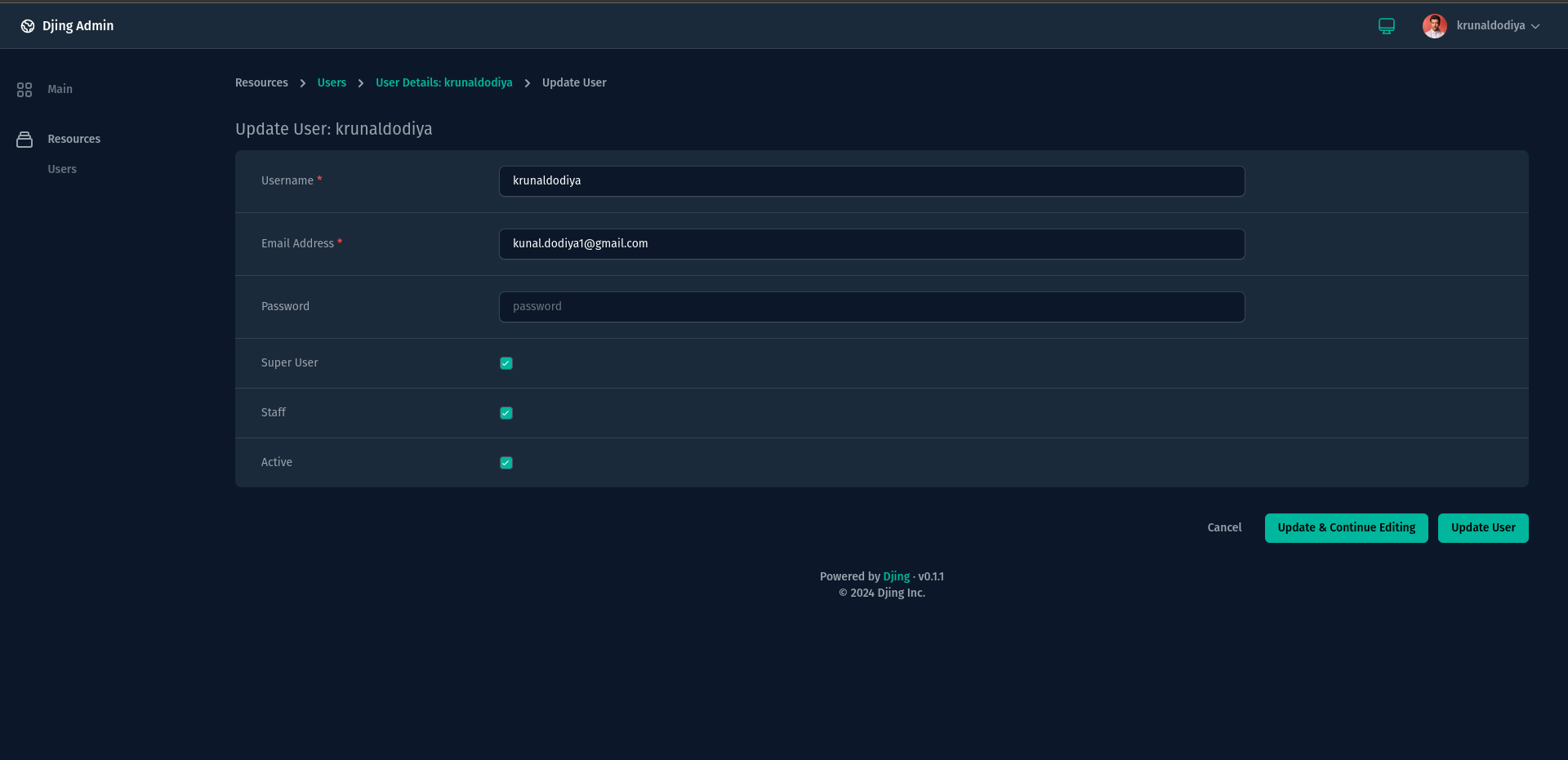
Update Resource
|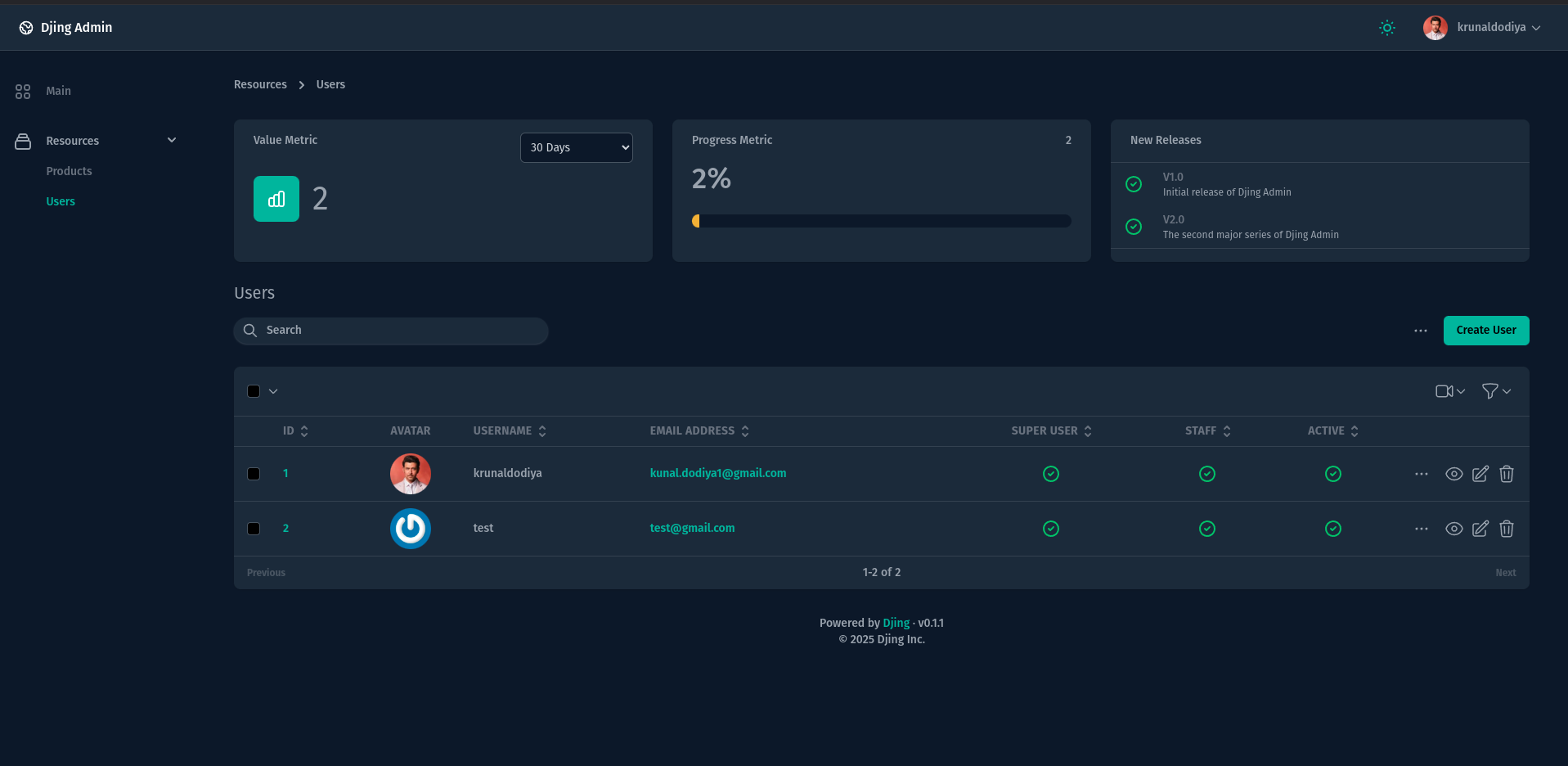 |
*The above screenshot showcases the clean and modern UI of the Djing admin panel.*
***
## Installation
To install Djing, use pip:
```bash
pip install djing
```
Add `djing` to your `INSTALLED_APPS` in your Django project:
```python
INSTALLED_APPS = [
...,
'djing',
]
```
Make sure to set the `STATIC_ROOT` & `STATIC_URL` in your `settings.py` file before collecting static files:
```python
STATIC_URL = "/static/"
STATIC_ROOT = BASE_DIR / "static"
```
after then you can collect static files
```python
python manage.py collectstatic
```
Optionally, when uploading files / images, you need to add STORAGES, MEDIA\_ROOT & MEDIA\_URL in your settings.py.
```python
STORAGES = {
"default": {
"BACKEND": "django.core.files.storage.FileSystemStorage",
"OPTIONS": {
"location": BASE_DIR / "media", # Replace with your media directory path
},
},
"staticfiles": {
"BACKEND": "whitenoise.storage.CompressedManifestStaticFilesStorage",
},
}
MEDIA_URL = "/media/"
MEDIA_ROOT = BASE_DIR / "media"
STATIC_DIRS = [
MEDIA_ROOT,
]
```
After adding djing application to settings.py, you can now access djing CLI using, it provides a set of commands to help you work efficiently:
```bash
commander list
```
above command will list all available CLI commands for djing application:
```bash
PyJinx Framework 0.2.4
Usage:
Commands [options] [arguments]
Options:
-h, --help Display help for the given command. When no command is given display help for the list command
-q, --quiet Do not output any message
-v, --version Display this application version
Available Commands:
list List all commands
djing
djing:install Install assets
djing:resource Create a new resource class
djing:dashboard Create a new dashboard class
djing:action Create a new action class
djing:filter Create a new filter class
djing:lens Create a new lens class
djing:value Create a new metric (single value) class
djing:progress Create a new metric (progress) class
djing:partition Create a new metric (partition) class
djing:table Create a new metric (table) class
djing:field Create a new custom field
djing:card Create a new custom card
djing:rule Create a new validation rule
djing:policy Create a new authorization policy
```
Finally, you need to install djing application using installation command:
```bash
python manage.py djing:install
```
Ensure that the `django_project_name` is set in the `.env` file. If not specified, it defaults to `myproject`:
```env
DJANGO_PROJECT_NAME=
|
*The above screenshot showcases the clean and modern UI of the Djing admin panel.*
***
## Installation
To install Djing, use pip:
```bash
pip install djing
```
Add `djing` to your `INSTALLED_APPS` in your Django project:
```python
INSTALLED_APPS = [
...,
'djing',
]
```
Make sure to set the `STATIC_ROOT` & `STATIC_URL` in your `settings.py` file before collecting static files:
```python
STATIC_URL = "/static/"
STATIC_ROOT = BASE_DIR / "static"
```
after then you can collect static files
```python
python manage.py collectstatic
```
Optionally, when uploading files / images, you need to add STORAGES, MEDIA\_ROOT & MEDIA\_URL in your settings.py.
```python
STORAGES = {
"default": {
"BACKEND": "django.core.files.storage.FileSystemStorage",
"OPTIONS": {
"location": BASE_DIR / "media", # Replace with your media directory path
},
},
"staticfiles": {
"BACKEND": "whitenoise.storage.CompressedManifestStaticFilesStorage",
},
}
MEDIA_URL = "/media/"
MEDIA_ROOT = BASE_DIR / "media"
STATIC_DIRS = [
MEDIA_ROOT,
]
```
After adding djing application to settings.py, you can now access djing CLI using, it provides a set of commands to help you work efficiently:
```bash
commander list
```
above command will list all available CLI commands for djing application:
```bash
PyJinx Framework 0.2.4
Usage:
Commands [options] [arguments]
Options:
-h, --help Display help for the given command. When no command is given display help for the list command
-q, --quiet Do not output any message
-v, --version Display this application version
Available Commands:
list List all commands
djing
djing:install Install assets
djing:resource Create a new resource class
djing:dashboard Create a new dashboard class
djing:action Create a new action class
djing:filter Create a new filter class
djing:lens Create a new lens class
djing:value Create a new metric (single value) class
djing:progress Create a new metric (progress) class
djing:partition Create a new metric (partition) class
djing:table Create a new metric (table) class
djing:field Create a new custom field
djing:card Create a new custom card
djing:rule Create a new validation rule
djing:policy Create a new authorization policy
```
Finally, you need to install djing application using installation command:
```bash
python manage.py djing:install
```
Ensure that the `django_project_name` is set in the `.env` file. If not specified, it defaults to `myproject`:
```env
DJANGO_PROJECT_NAME=